Showing posts with label Robot. Show all posts

Wednesday, July 10, 2013

Pictures of the new platform

New platform based on 4mm plywood, plenty of room for more stuff  
Central sensor turnable "tower"

Raspberry Pi and USB-hub

Saturday, June 29, 2013

Larger Arduino robot platform

I started to build a larger platform for my robot. The old platform has three levels and is quite packed with sensors and cables. Since most cables are connected to the Arduino board, I need to dismantle most of the robot when I make changes. Also I wanted to be able to make distance readings in all directions
The old robot is packed with sensors.
I made cardboard templates for most of the hardware to be able to play with layout a bit easier. I decided to make the robot round-ish but ended up making it an octagonal-ish. With centered wheels so it will turn around its center. 
The third wheel is placed on one side and weight is distributed accordingly.

Plywood with cutouts for wheels and cardboard templates for parts
Parts:
  • Plywood 30*30 cm
  • Raspberry Pi Model A
  • Arduino Duemilanove
  • LiPo battery
  • H-bridge 7.4V  3300
  • Power converter
  • 2 * 6V geared motors
  • Servo
  • 2 * IR Sensors Sharp GP2Y0A02YK0F
  • 2 * Ultrasonic sensors HC-SR04
  • Compass HMC5883L
  • Accelerometer and Gyro MPU6050
  • USB-Hub

Before dismantling the old robot 
Lots of parts and cables, My Raspberry Pi model A to the right
The old robot was dismantled in order to find more precise measurements for drilling.

Testing layout with real hardware instead of cardboard
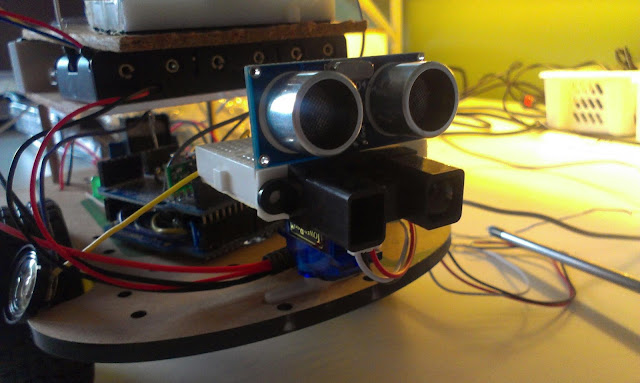
I intend to make distance measurements in all directions. I have mounted two IR-distance sensors and two ultrasonic sensors on a piece of wood. It is going to be placed on top of a servo. An unsolved problem is that I must be able to shut the sensors on and off independently since I have noticed that they interfere with each other.
The new two directional sensor IR and ultrasonic
Most parts are assembled and I have glued the support for the third wheel as well as the servo.

Now waiting for the glue... to be continued...


Wednesday, May 8, 2013

Separate power-source for the motors solved the Rpi brownouts.

Background

I have had problems with my RPi rebooting when I run my motors. And I have been told the raspberry pi is very sensitive to power problems. The hypothesis is that the batteries cannot provide enough current to keep all components running. The

Experimental setup

Today I added a second power source directly connected to the H-bridge to test the hypothesis. I hooked up an a 9 Volt battery on the back of the robot. Not the optimal solution since the single battery will probably quickly run out of juice.

9v battery directly connected to the H-bridge

Results


The robot can drive at full speed without any brownouts. The accurracy of the turning is quite bad. The robot turns slightly when it should be driving forward. It also runs in an arc instead of turning on the spot.

Future Work

Next step is to work on improving the predictability of movements for dead reckoning.

Ideally I should give the robot an relative position in meters and the robot moves to that position or very close. For example: Go 0.5 m forward, turn 30 degrees to the right, Go 0.2 m forward.

One of the motors turns a little stiffer than the other. In order to improve the predictability I will first remove the motors and add some oil to the gears. Hopefully both motors will run better. After that I will do a series of tests to try and use PWM to get similar drive on both motors. When that is done another series of experiments to find the error distributions.


Tuesday, May 7, 2013

Finally driving my robot, but it reboots the raspberry pi!

Finally driving, remote controlling the driving through serial commands over wireless network.

Tonight I started to work on code that is driving the H-bridge. The Arduino board is controlling the H-Bridge and I program the Arduino using the Arduino IDE remotely on the robot using VNC. The intended approach is that a program on the Raspberry Pi sends commands to the Arduino over the serial port.

I wrote a little sketch that receives "aswd" letters and drives the H-bridge. The letter 'a' results in 200 milliseconds of turning left, the letter 'd' results in similar time of turning right,'w' is forward, and 's' is backwards.

A first problem is that when I run the motors for a little time the RPi is rebooting, I guess it must be due to current drop or something. I do run the robot directly from the same battery pack as all the other components. Maybe a large cap can solve this? Another solution would be to have another battery just for the motors. For now it seems I can run the robot with lower PWM...

A second problem is that the motors seem to have uneven resistance, this results in the robot turning slightly. I can adjust this by giving the different engines different PWM signals but in order to get good results this must be tuned by experiments. The third wheel also interfers, its a turn-able wheel so when it is in the wrong direction it requires more resistance to turn.

For this project I use github repository, Im not very used to the shell commands so here they are for documentation
git repo https://github.com/dntoll/robot/tree/master/H_bridge
cd sketchbook
git add H_bridge/*
git commit -m "some comment"
git push origin master

Saturday, April 27, 2013

Finally reliable SSH and VNC to my robot

In order to program my robot I need to be able to program both the Raspberry Pi and the Arduino Duemilanove. But the RPi is being run headless and the Arduino is connected to the RPi through serial connection so I can only program them through wifi network access.

The Wifi access has been problematic since the WiFi was closing inward connections all the time. I could connect to the robot but only if the robot first made a connection outwards using the same protocol, really weird. It seems it is my Netgear router that is the source of my troubles since when I use another router the problems went away.

Robot with Pi running headless

Now I can SSH to the Robot and start vncserver, after that I connect to the RPi using TightVNC Viewer. It feels a little bit sluggish compared to attaching screen and keyboard but its really quite ok. I can start Arduino IDE and program the Arduino board without any problems.

Starting vncserver from SSH
Ultimately I would like an easier way of coding on my PC and deploy on the robot since the RPi takes a lot longer to compile on.

Here is a tutorial for those who needs it: http://www.raspberrypi.org/phpBB3/viewtopic.php?f=29&t=29497

TightVNC Viewer 

Sunday, April 21, 2013

Assembly, programming, and camera tests

I have started the assembly of my three storage robot. Not that easy considering how much hardware this little dude got. Good thing is that the power-supply I soldered the other day seems to hold up nicely. A great thing is that I can run the robot on external power when I´m not driving it. So today I attached power, keyboard and screen since I have problem connecting to it with SSH. My Wifi-dongle seems to go into power-save mode every five seconds or so, making it hard to connect to... Well will buy new one.

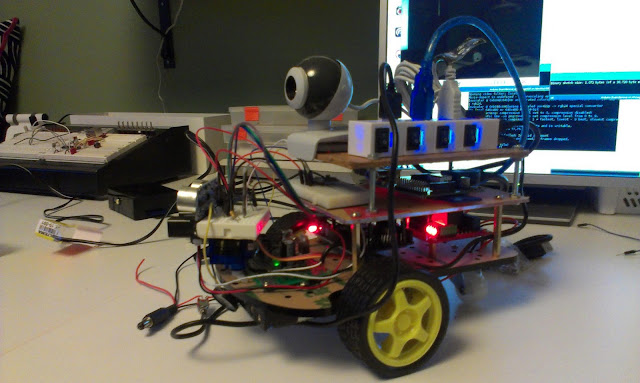
A beautiful mess of cables and LEDs

I still got a few cables to connect for the speaker and electronic compass, and give power to the H-Bridge. Also maybe the compass circuit can be directly connected to the GPIO of the Raspberry Pi. That would free up some pins(and memory) on the Arduino-board.

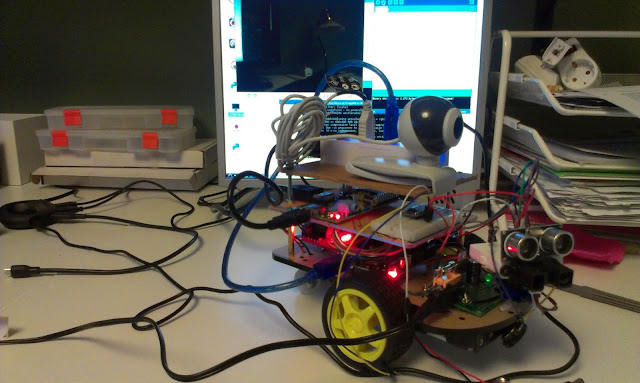
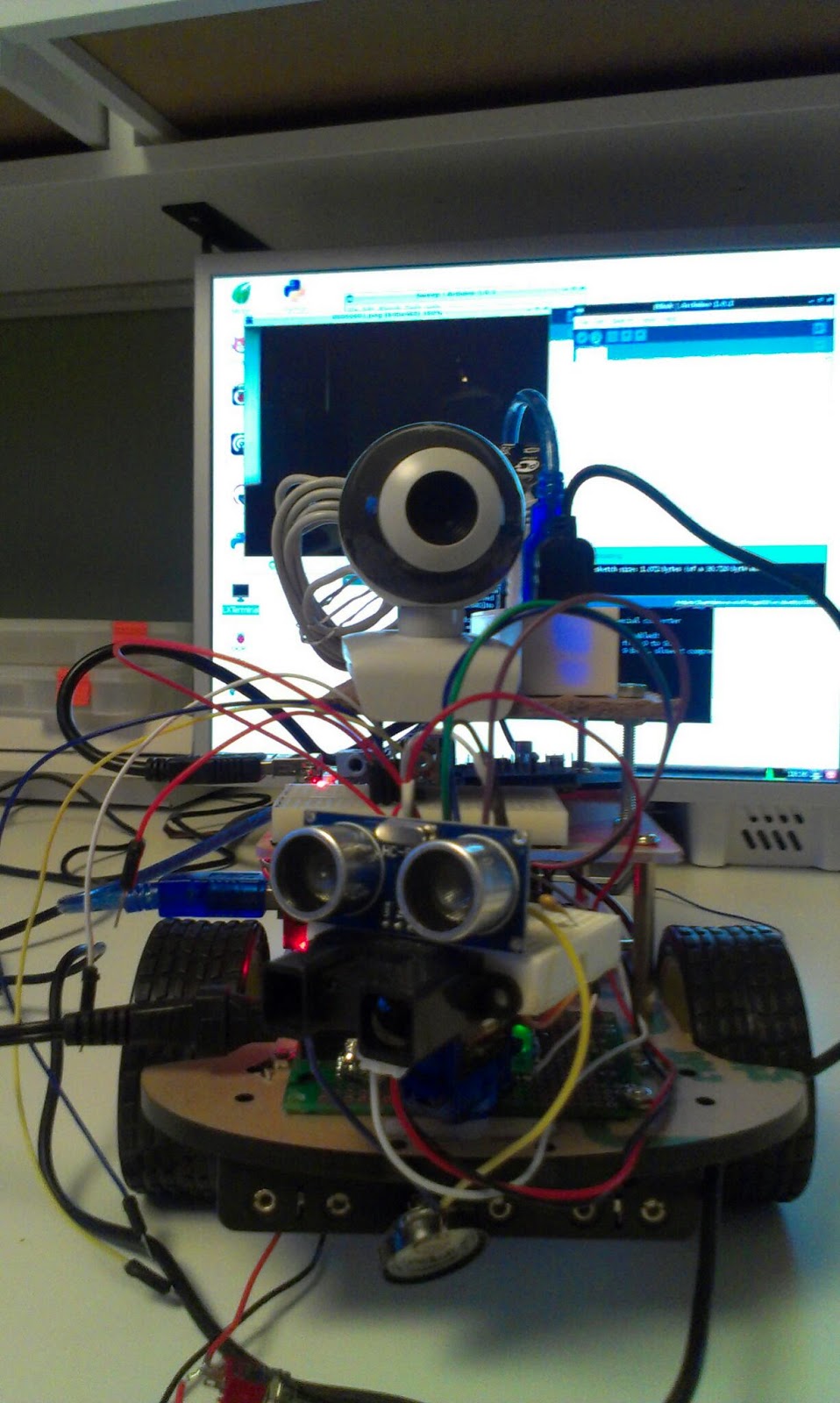
The webcam and USB-hub remains to be permanently attached on the topmost layer. I think I will use double sided tape. The cable that connects the webcam is very much too long and adds up to the weight of the robot. A nice thing with the USB-hub I use is that it has got individual power buttons, so I can switch on and off different hardware during programming.

Programming the Arduino from the Pi
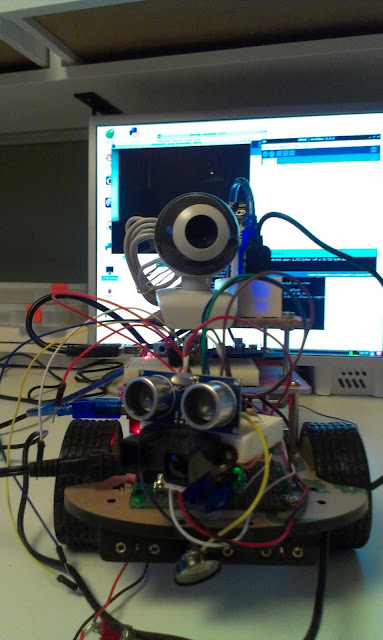
The important test for today was to program the Arduino board from the RPi. I tried the Blink sketch first since nothing is attached to the pin 13. I also ran the Sweep-sketch to test the servo that controls the head of the robot. The head moves fine and no cables get stuck...

More test will have to be done to test the Sonar and IR, but I think I will need to dissemble the robot first in order to attach those cables properly.

Sensors: Webcam, Sonar, IR and speaker. Battery pack can be seen on the bottom.
I have also tried using the webcam from the raspberry pi linux console. I used the "mplayer -vo png -frames 1 tv://" command that takes a single screenshot naming it 00000001.png. The images are a bit dark but I think it will work.


Tuesday, April 16, 2013

Power supply for my robot

Tonight's project, a power supply (DC to DC converter) for my robot project. It must be able to power a USB hub. The hub in turn powers the Raspberry Pi Model A, WiFi dongle, a Webcam, and an Arduino board. The power supply should also provide power for the H-Bridge and motors.

The Arduino itself directly powers the servo, IR sensor, Sonar, Electronic Compass, and perhaps a 433 MHz radio.

The 7805 is rated for 1 Amps, I've got a resetable PTC fuse rated for 0.3 Amps, but I think I will replace it with a fast 1A glass fuse. I will also have 1N4001 to make sure the batteries are placed the right way, a LED to show power is on, and a on/off switch.

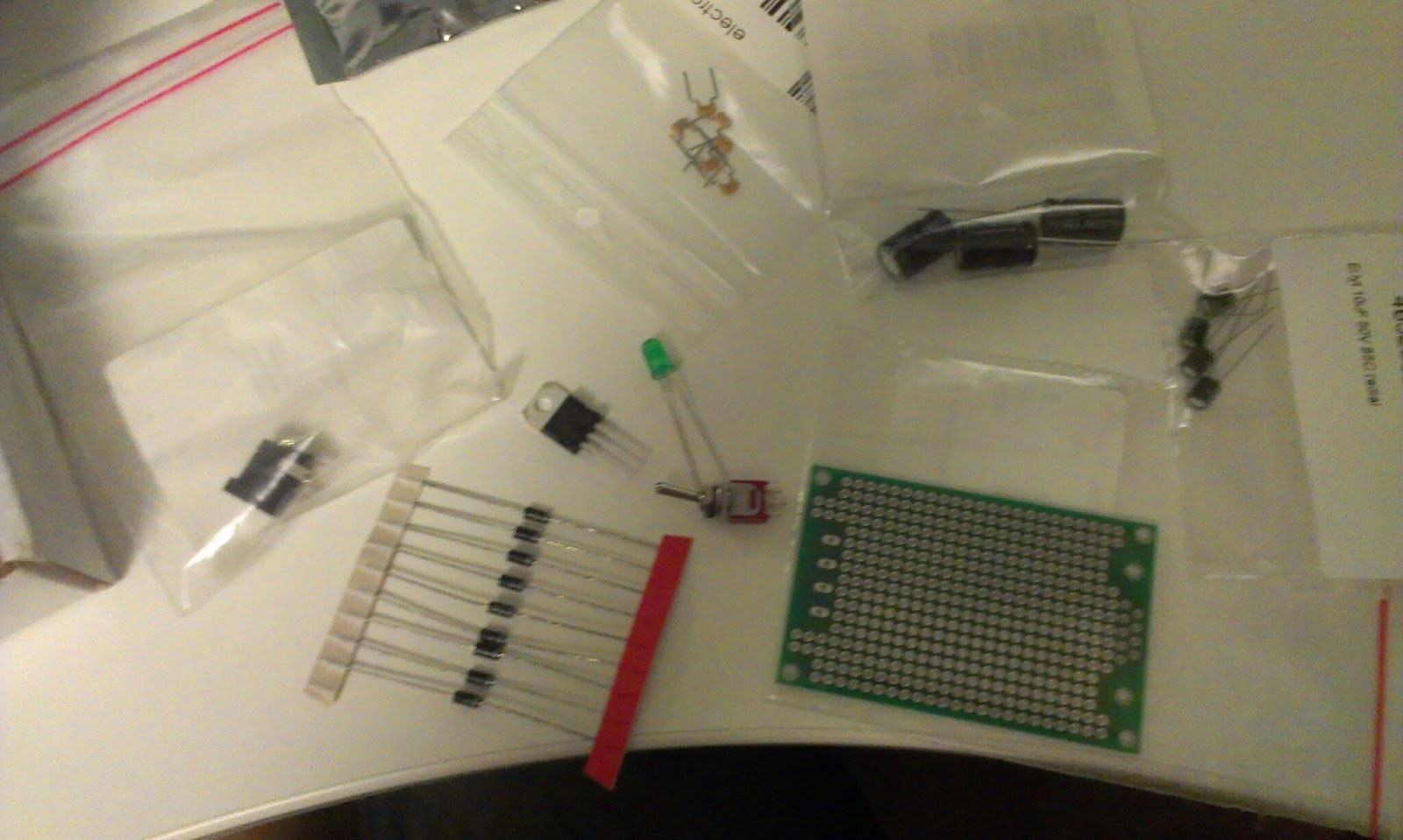
Power supply in parts
The parts list

  • Perfboard PCB
  • DC connector
  • Fuse holder
  • 1 Amp fast fuse
  • 220 uF electrolytic capacitor
  • 10 uF electrolytic capacitor
  • 2.4 KOhm resistor 
  • Green LED
  • 7805 1 Amp 
  • 2.1 mm DC plug (for the USB hub)


Powersupply for my robot, First LED test
Connected the power-supply to the hub. And the hub powers the robot and the Raspberry Pi
When trying to boot the RPi from 9V battery the Pi reboots directly after the colored splash screen indicating that the single battery cannot provide the requested amount of power:

"Immediately after displaying the splash screen, the PI starts consuming a little more current, if the PI resets at that moment its an indication that the power supply isn't able to deliver the full current your PI requires" - R-Pi Troubleshooting
Image from http://elinux.org/File:Debug-screen.jpg

When connecting the powersupply to a battery-eliminator that can provide more current the pi boots up fine, so it is the single nine volt battery that is the source of the problem.
Robot batteries on the underside
I connected it to the 6 AA battery pack on the underside of the robot and it booted up fine... Epic win!

Pi running and booting fun from the 6 AA batteries


Saturday, April 13, 2013

Playing with robot component layout

Today I started to think of different layouts for my robot. I intend to put lots of stuff on this one, that means I quickly ran out of space. Therefore the layout will require at least 3 storage's of components. 

On top camera and electronic compass
Nothing is connected so far, I have tested different components separately. For these images I just put stuff on top of each-other to get a feel for the space requirements and possible problems.

Middle level, USB hub with wifi, Raspberry Pi Model A, and batteries
One of the main concerns is interference on the electronic compass circuit. That must be tested together with other components. Another concern is that I think I might run out of Arduino pins, so I'm prepared to use two boards for this robot. My third concern is battery consumption, the RPi needs to be powered, so the plan is to power the USB hub from batteries. For that I need to 7805 circuit that has a decent ampage...
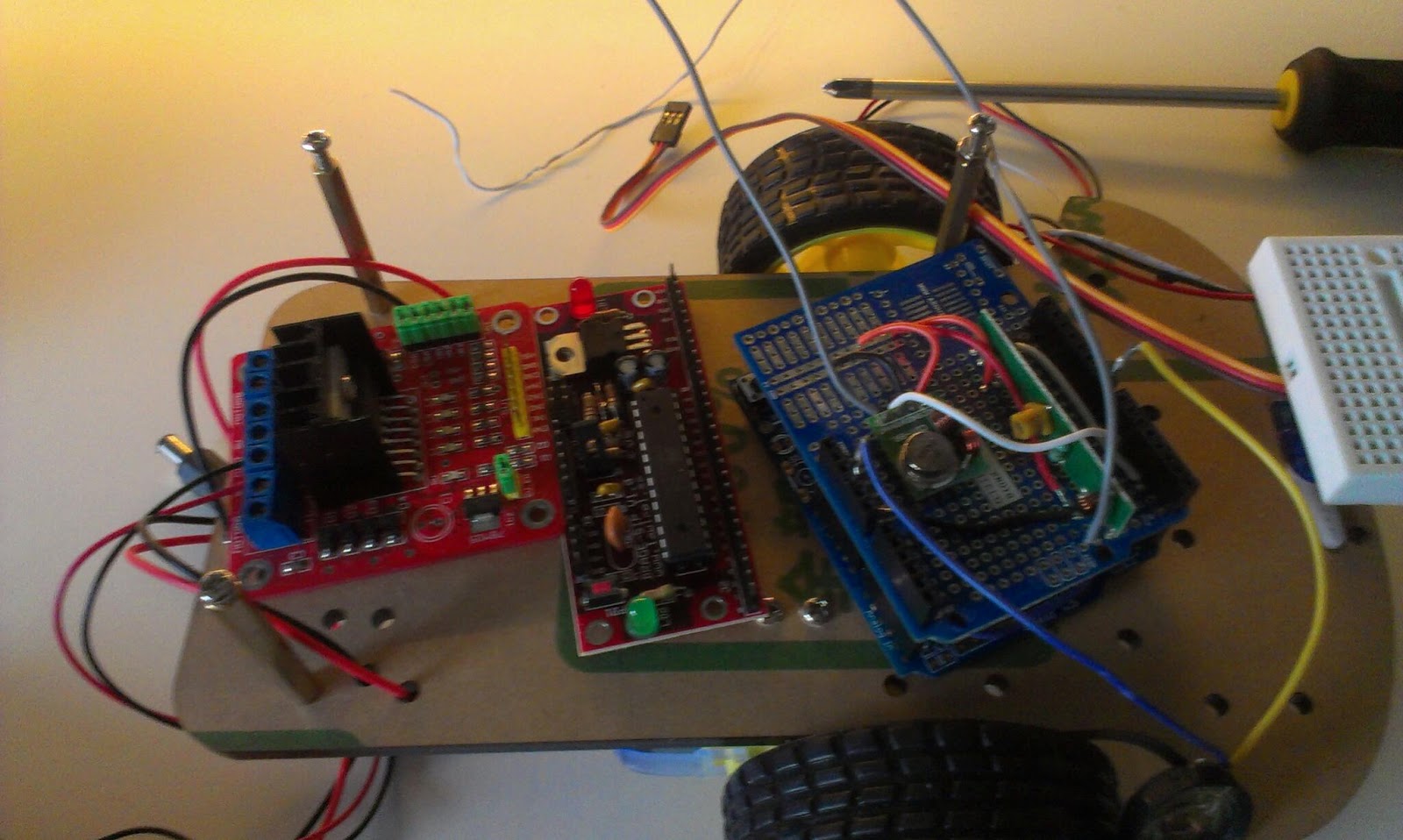
Bottom level, H-Bridge, Arduino 1, Arduino 2 with 433 MHz radio and speaker.
A speaker for the localization-trilateration of the robot.
Distance Sensors,HC-SR04 and Sharp IR sensor for mapping

Now its time to drill holes and connect the different components...

Wednesday, March 13, 2013

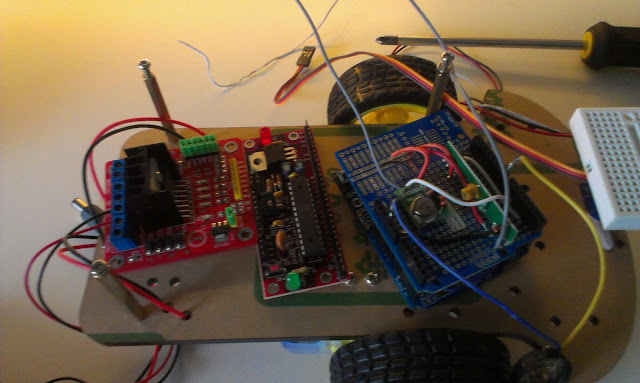
Arduino Robot with homemade H-bridge

Since all my electronics is in boxes for the redecoration of my workshop. I thought it would be nice to show an old robot project of mine.

This robot was built as a line following robot. The motors, gears and wheels of the robot is from the scarab beetle robot I built with my 7 year old. 


Image from The Automata Blog on the scarab beetle
On top of that base I built myself a H-bridge circuit to control the motors. An H-bridge lets you run an engine in both the forward and the backward direction. To control two motors you need two H-bridge circuits. The H-bridge is built out of a set of npn and pnp transistors as well as some diods and resistors to protect the Arduino board from the inducted voltages from the motor.

The H-bridge on a protoboard running a 3V motor.

The H-bridge is controlled from an homemade Arduino board. The Arduino controlls the direction of the engines and collects sensor inputs from a set of photo diods and and IR-LED. The IR-led is turned on and off and the photo-diode captures the difference in amount of reflected light. That way the Arduino board can figure out the reflectivity of the surface under the robot.
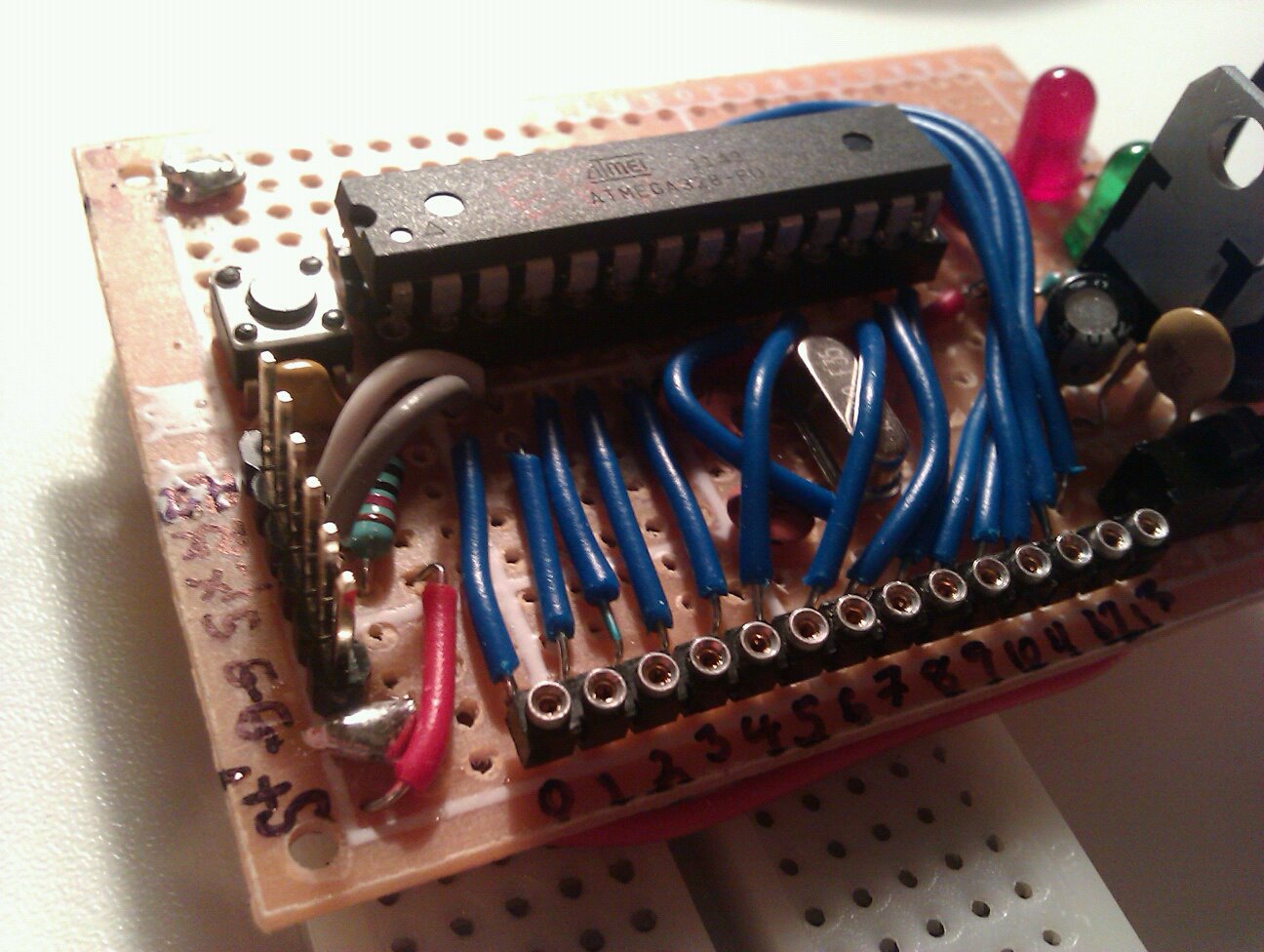
Homemade Arduino
I put two sets of reflectivity sensors in the front of the robot on a breadboard so I can add and remove stuff. The robot starts by calibrating the sensors so it turns left and turns right and back to center in order for both sensors to capture the maximum and minimum reflective of the dark line versus the floor.
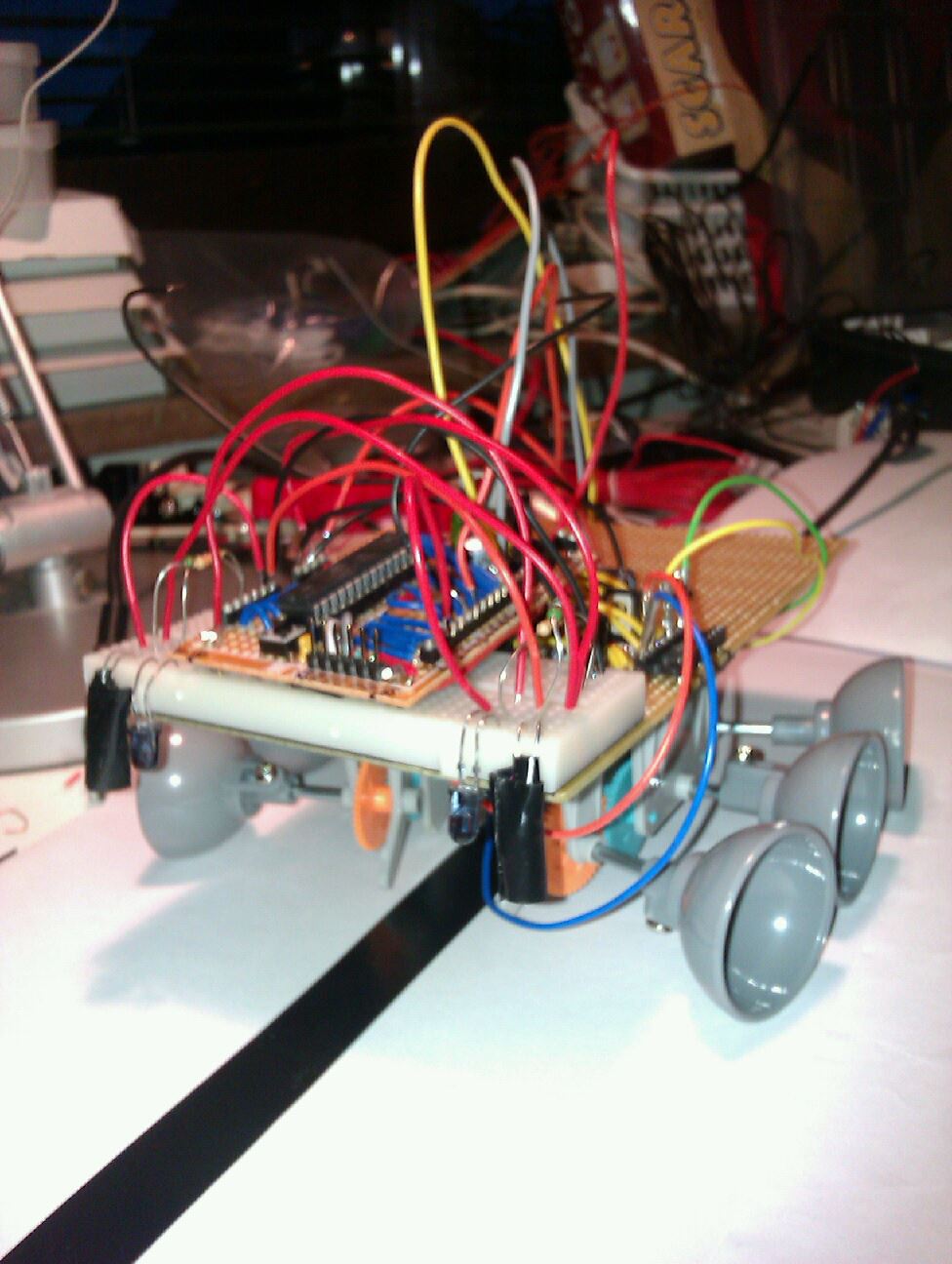
The robot in all its glory, lots of cable-mess
The robot could follow a line on the floor in a roughly circular pattern, it had to be driven quite slowly in order to not miss the line and run away. The code was very simple, if a sensor encounters the black line, turn in the opposite direction a bit.

This was built around a year ago, now I really want work on my Robot mapping project or I will when I'm finished with redecorating the workshop.