Saturday, February 15, 2014

Raspberry LCD-5110 Shield notes

My LCD-shield for raspberry pi is finally starting to show some promise.

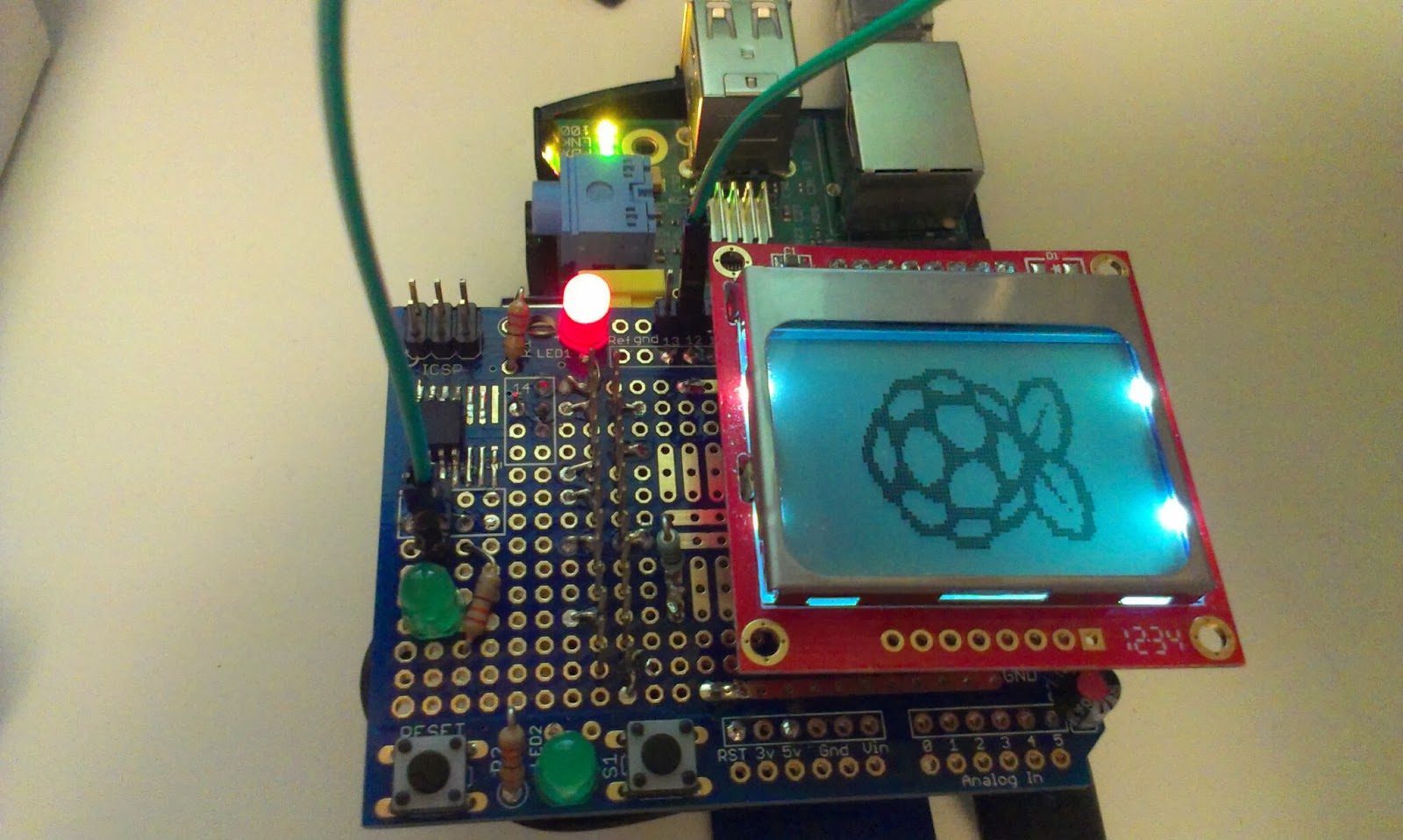
Nokia 5110 on rpi shield made out of Arduino shield protoboard, featuring some buttons, leds and a Attiny85

The Attiny85

On the shield I placed one attiny85 to use as analog to digital converter. It is placed on the little surface mount area and is programmed using the ICSP header next to it. I connected the SCK, MISO and MOSI to 13,12, 11 on the arduino shield. The reset is connected to the reset button.

I used the High-Low Tech tutorial for bootloading the attiny85.

I must not program the attiny when it is attached to the RPi since the programmer provides dangerous 4.8V to the 3.3 rails. And I also need to remove the LCD when I program it.

I intend to communicate with serial to the attiny from the pi.
http://www.instructables.com/id/Easy-ATTiny-Serial-Communication-with-Tiny-AVR-Pro/

This contains instructions on how to use the pi's serial port
http://wyolum.com/projects/alamode/
http://raspberrypihobbyist.blogspot.se/2012/08/raspberry-pi-serial-port.html
http://www.hobbytronics.co.uk/raspberry-pi-serial-port

I run minicom to communicate with my program...
minicom -b 9600 -o -D /dev/ttyAMA0
The current programming approach is quite painful so I think I will need to rethink it. maybe its time to get a 3.3V programmer or levelconvert the programmers signal?


Right now I remove the shield and LCD from the shield, connect the programmer, run arduino as sudo, write my changes and then removes the programmer, attach shield to rpi, bootup rpi and login through ssh, connect to shield through minicom to find some minor error... phew...shut down pi, start over...


Friday, February 7, 2014

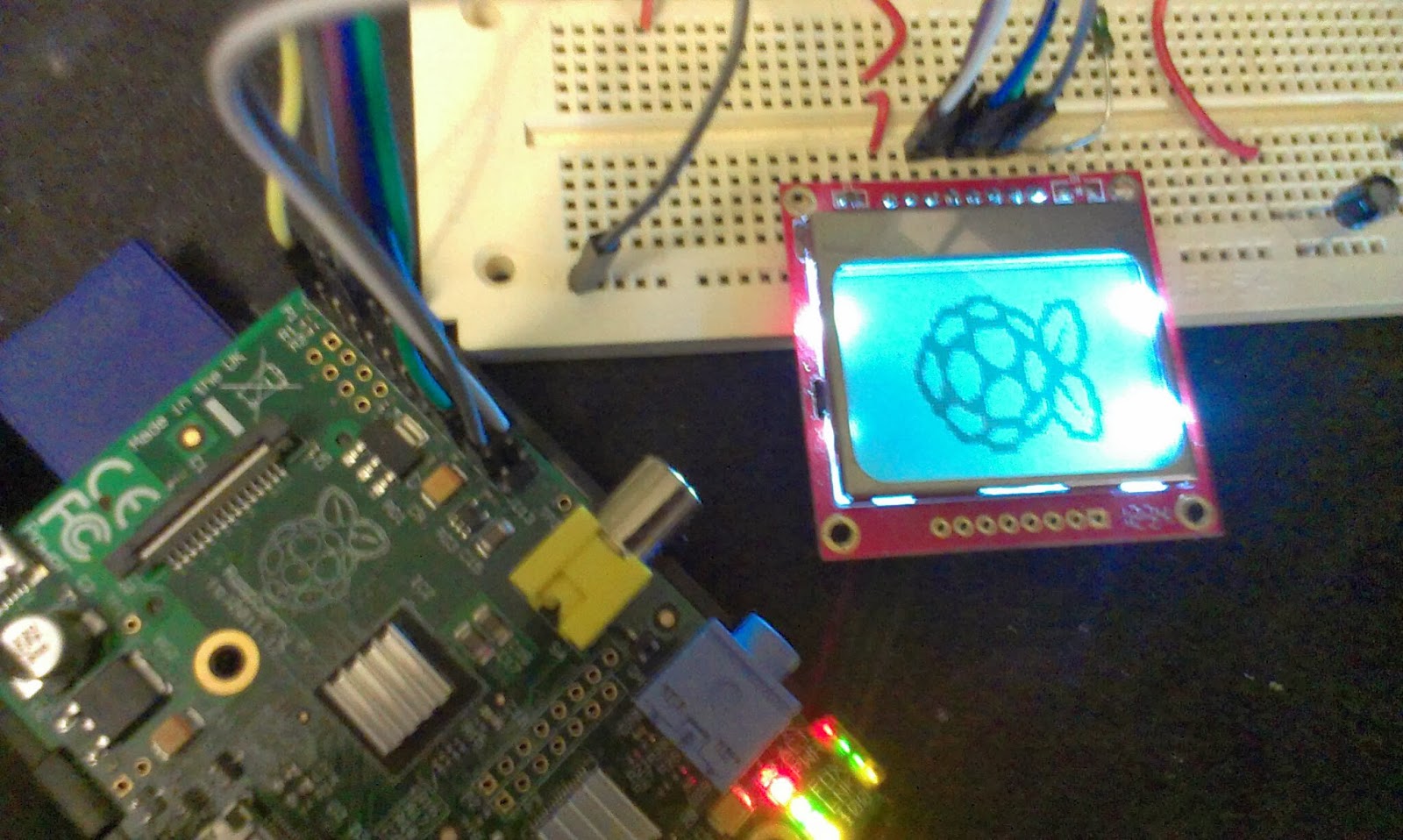
More work on the headless RPi with LCD and buttons

I intend to run my RPi headless, here is a collection of good resources so I can find them again...

To build and interact with buttons...
https://www.cl.cam.ac.uk/projects/raspberrypi/tutorials/robot/buttons_and_switches/

Run scripts on startup and shutdown, not sure if they mixup /etc/rc0.d with /etc/rc6.d
http://en.kioskea.net/faq/3348-ubuntu-executing-a-script-at-startup-and-shutdown

Spawn subprocesses in python and interact with them
http://docs.python.org/2/library/subprocess.html#module-subprocess

I added a button to the circuit...

Thursday, February 6, 2014

Screen for the robot

My robot contains a Raspberry Pi model A. Right now I always ssh into it in order to start the robot application and I need to remotely ssh all commands.
I intend to create a simple userinterface in the form of a LCD and a few buttons to make it easier to turn on and off and perhaps reboot and reload the applications.

I have a 5110 that I have used together with arduino boards before.
I found this tutorial: https://github.com/XavierBerger/pcd8544

This is built using wiringPi
http://wiringpi.com/download-and-install/


The tutorial did not work fully, apparently I need wiringpi2, since I get the message "ImportError: No module named wiringpi2"

http://raspi.tv/how-to-install-wiringpi2-for-python-on-the-raspberry-pi#install
"sudo pip install wiringpi2"

Worked the second time...

Yay...

Tuesday, January 21, 2014

New servo for robot head

Problem: The old servo is not strong enough to turn the robots head when there is a lot of cables attached to the head.

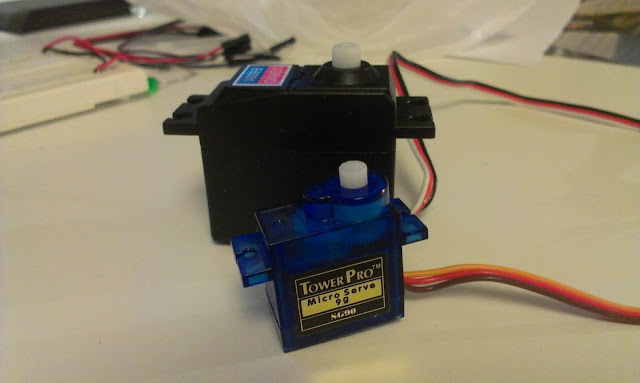
I bought a new larger servo yesterday,  the black large one in the background should provide much more power than the old blue micro servo I used before.
Solution: Buy new stronger servo.

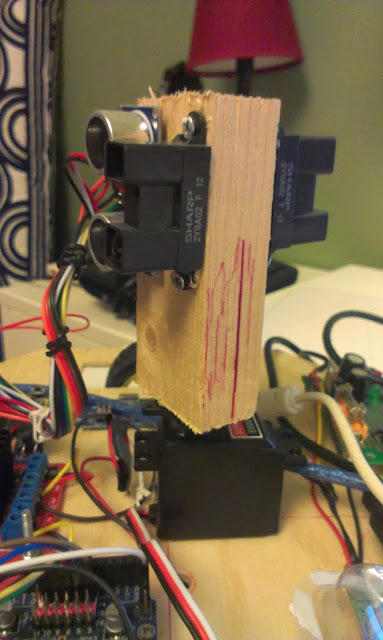
The servo should turn the robots head so that distance sensors can make measurements in all directions, problem was that the old servo was not strong enough to turn the head with the resistance of the cables.

New problem: new servo creates a lot of electrical disturbance. 

Solution: Add more and bigger caps!

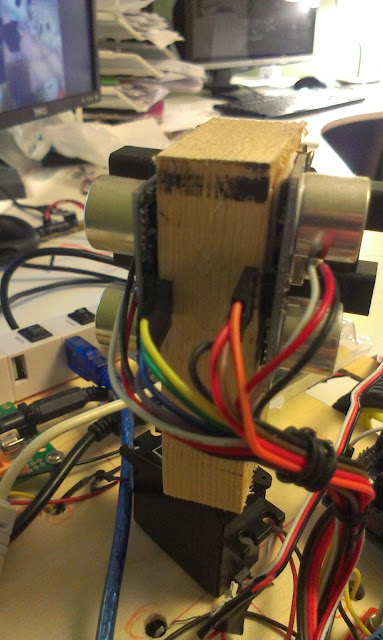
There is a lot of cables  coming out of the sensors (4+4+3+3) making the head a lot heavier to turn. 
All those cables makes the head difficult to work with,  I think I need to make a custom Arduino board and attach it to the head.

Wednesday, December 25, 2013

Ordered a raspberry pi camera

Today I ordered a pi cam. And also another rpi model A. I have some ideas for another robot.

Wednesday, July 10, 2013

Pictures of the new platform

New platform based on 4mm plywood, plenty of room for more stuff  
Central sensor turnable "tower"

Raspberry Pi and USB-hub